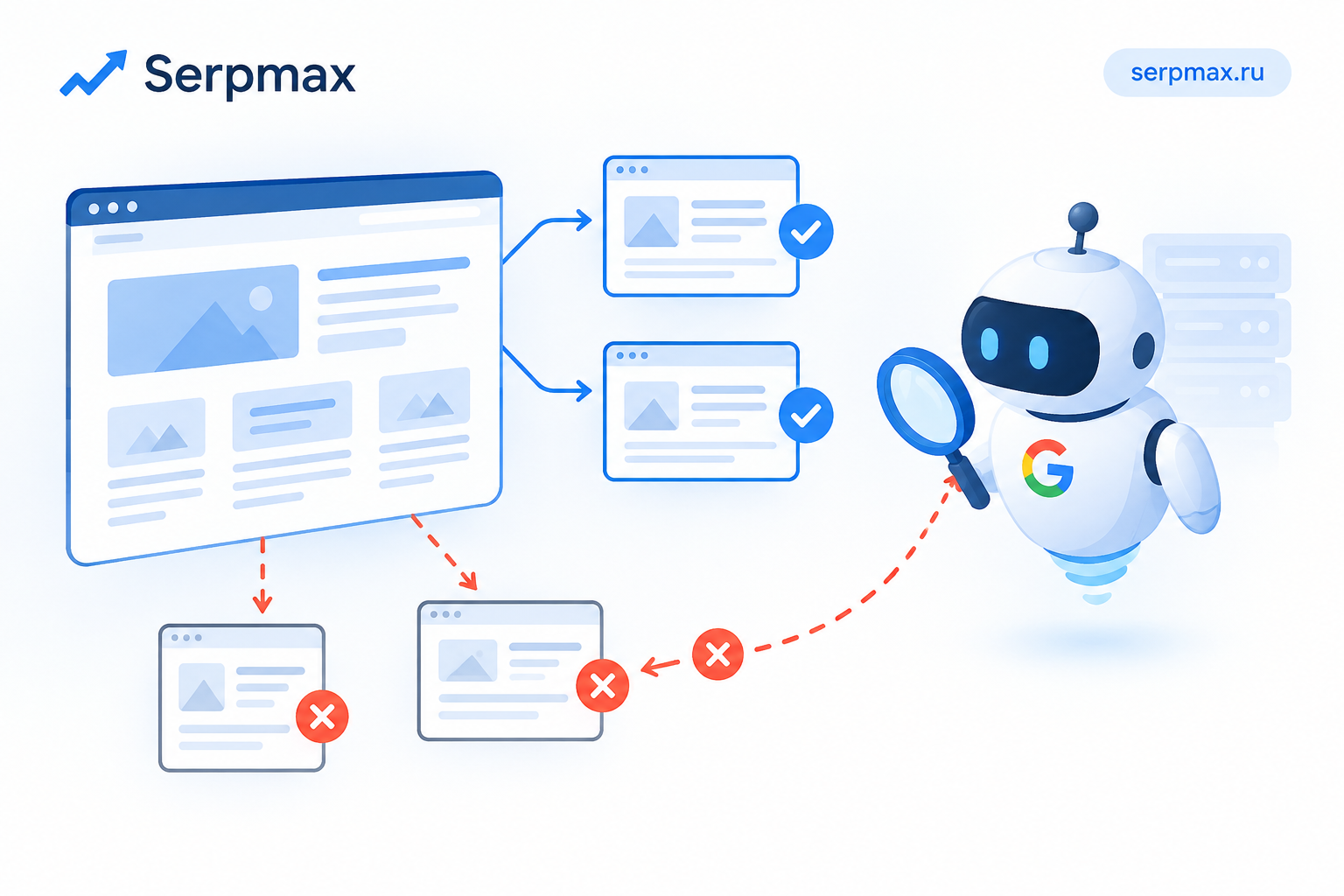
You added internal links to important pages, but Google is not following them. The pages remain undiscovered, or they are discovered much later than expected. The cause is often not the link itself, but how it is implemented. JavaScript links, nofollow attributes, blocked resources and incorrect HTML can all prevent crawling. This guide explains how to find the problem and fix internal crawling.
Why internal links matter for crawling
Internal links are the primary way search engines discover new pages. Googlebot follows links from known pages to unknown ones. If internal links are broken, hidden or not crawlable, new pages may never be discovered — or discovered only through the sitemap, which is slower.
Internal links also distribute authority across the site. Pages with more internal links are crawled more often and rank better. Broken internal linking affects both discovery and ranking.
If you added links but they are not being followed, the issue is usually technical. The link exists visually, but not in a form that Googlebot can follow.
Reason 1: JavaScript-generated links
The most common reason internal links are not crawled is that they are generated by JavaScript. Google can render JavaScript, but not always reliably, and rendering happens after the initial crawl.
Signs of JavaScript links:
— links appear in the browser but not in the page source;
— links are added by frameworks like React, Vue or Angular;
— links use onclick handlers instead of href;
— links are inside JavaScript-generated menus.
How to check:
— view the page source, not the rendered DOM;
— search the source for the link URL;
— use Search Console URL Inspection to see the rendered HTML;
— check whether the link is present in the rendered version.
The fix: ensure important internal links are present in the initial HTML, not only after JavaScript runs. Server-side rendering or static HTML links solve this.
Reason 2: nofollow attributes
A rel="nofollow" attribute tells search engines not to follow the link. If internal links have nofollow, they will not be crawled — or will be crawled but not pass authority.
Where nofollow can appear:
— in navigation menus;
— in footer links;
— in widgets;
— in CMS settings;
— in plugins that add nofollow automatically.
How to check:
— inspect the HTML of the page;
— look for rel="nofollow" on internal links;
— check CMS and plugin settings;
— check whether nofollow is added dynamically.
The fix: remove nofollow from internal links that should be crawled. Internal links rarely need nofollow — it is usually a mistake or a leftover from an old configuration.
Reason 3: blocked resources
If robots.txt blocks JavaScript or CSS files, Googlebot may not be able to render the page properly and may miss links that are added by scripts.
What to check:
— robots.txt for blocked JS and CSS;
— whether the blocked files are needed for rendering;
— whether the links appear in the rendered version.
Blocking JS and CSS was a common recommendation years ago, but today it usually hurts crawling and rendering. Allow Googlebot to access these files.
Reason 4: links inside non-crawlable elements
Some HTML elements are not crawlable or are treated differently:
— links inside iframes may not be associated with the parent page;
— links inside forms are not followed;
— links inside images (image maps) are rarely followed;
— links inside JavaScript event handlers are not followed;
— links without href are not followed.
How to check:
— inspect the HTML of the link;
— ensure the link uses a standard anchor tag with href;
— ensure the link is not inside an iframe or form.
The fix: use standard anchor tags with href for all internal links that should be crawled.
Reason 5: orphan pages and weak internal linking
Even if links exist, they may be too weak or too deep in the site structure. Pages that are many clicks away from the homepage are crawled less often.
Signs of weak internal linking:
— important pages are only linked from one place;
— links are buried in footers or sidebars;
— pages are more than 3–4 clicks from the homepage;
— pages are not linked from relevant content.
How to fix:
— add contextual links from relevant pages;
— reduce click depth for important pages;
— link from high-authority pages on the site;
— use breadcrumbs and navigation menus.
For a full check, use internal links checker to see which internal links are present and whether they are crawlable.
How to diagnose internal crawling issues
A practical sequence:
— check the page source for the link;
— check the rendered HTML in Search Console;
— check for nofollow attributes;
— check robots.txt for blocked resources;
— check whether the link is inside an iframe or form;
— check the click depth of important pages;
— check the internal linking structure overall.
If the link is present in the source, crawlable and not blocked, but still not followed, the issue may be in the site structure or crawl budget. In that case, improve internal linking and reduce click depth.
For a broader check of technical SEO, SEO audit can help verify internal links, canonical, redirects and crawling in one place.
How to fix internal crawling
Fix steps:
— ensure links are in the initial HTML, not JavaScript-generated;
— remove nofollow from internal links;
— allow Googlebot to access JS and CSS;
— use standard anchor tags with href;
— avoid iframes and forms for important links;
— reduce click depth for important pages;
— add contextual links from relevant content;
— request re-crawl after fixes.
FAQ
Why is Google not following my internal links?
Most often because the links are JavaScript-generated, have nofollow attributes, are inside iframes or forms, or point to blocked resources. Check the page source, not just the rendered page.
Can Google follow JavaScript links?
Google can render JavaScript, but not always reliably. Important links should be present in the initial HTML, not only after JavaScript runs.
Should internal links have nofollow?
No, internal links rarely need nofollow. If they have it, it is usually a mistake or a leftover from an old configuration. Remove it for links that should be crawled.
Does robots.txt affect internal crawling?
Yes, if it blocks JS or CSS files needed for rendering. Googlebot may miss links that are added by scripts if it cannot access those files.
What is click depth and why does it matter?
Click depth is the number of clicks needed to reach a page from the homepage. Pages deeper than 3–4 clicks are crawled less often. Reduce depth for important pages.
How do I check if internal links are crawlable?
Check the page source for the link, verify it uses a standard anchor tag with href, and ensure it is not blocked by nofollow or robots.txt. A link checker tool can help.
Do links in footers help crawling?
They can, but they are usually weaker than contextual links in the main content. Footer links are often repeated across the site, which reduces their value.
What are orphan pages?
Orphan pages are pages with no internal links pointing to them. They are hard for search engines to discover and often remain unindexed.
How long does it take for Google to crawl new internal links?
It depends on the site. On active sites with good crawl budget, it can take days. On new or low-authority sites, it can take weeks.
What if internal links are correct but pages still not crawled?
Check crawl budget, site structure and page importance. Improve internal linking from high-authority pages and reduce click depth. A broader technical audit can help identify the bottleneck.