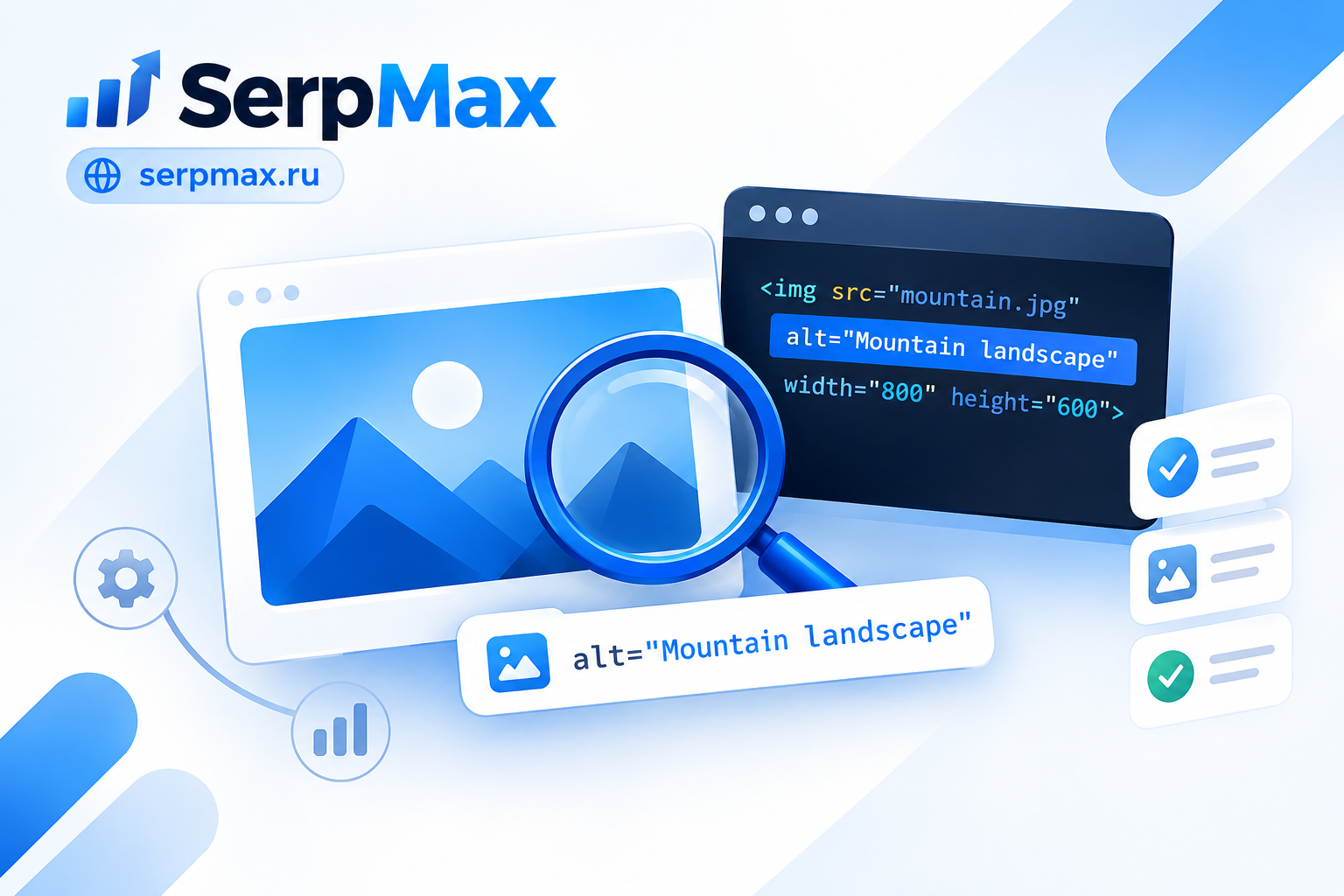
Alt tags are text descriptions of images. They are used by search engines to understand image content and by screen readers to describe images to visually impaired users. If alt tags are missing or incorrect, images are not indexed, and the page loses relevance. In this guide, you will learn how to check alt tags, why they matter, and how to fix common issues.
What is an alt tag
An alt tag is an attribute of the <img> HTML tag that contains a text description of the image:
<img src="image.jpg" alt="Description of image">
Alt tags serve three purposes:
1. Accessibility. Screen readers read the alt tag aloud. Without it, visually impaired users do not know what the image shows.
2. Fallback text. If the image fails to load, the alt tag is shown instead. Users understand what the image should be.
3. SEO. Search engines cannot see images directly. The alt tag is how you tell search engines what the image is about. It affects image indexing and page relevance.
Check alt tags via the alt tag checker.
Why alt tags matter
Three reasons.
1. SEO. Alt tags help images rank in image search. This is an additional source of traffic.
2. Relevance. Search engines use alt tags to understand page content. Images with relevant alt tags strengthen overall page relevance.
3. Accessibility. Sites with good alt tags are more accessible to users with visual impairments. This is part of E-E-A-T and overall site quality.
Checking alt tags is part of a technical SEO audit. Learn more in the article Technical SEO Checklist.
How to check alt tags
Three ways.
Method 1. Alt tag checker tool
The fastest way is to use an online alt tag checker. The SerpMax alt tag checker tests any URL and shows:
— all images on the page;
— which images have alt tags;
— which images are missing alt tags;
— which alt tags are duplicated;
— recommendations for fixing issues.
The tool works with any website.
Method 2. View page source
Open the page, right-click, and select "View page source". Search for <img and check each tag for the alt attribute.
This is slow for pages with many images but works for a quick check.
Method 3. Chrome DevTools
Open Chrome DevTools (F12). In the Elements tab, find <img> tags and check the alt attribute. You can also use the Console:
document.querySelectorAll("img:not([alt])").length — returns the number of images without alt tags.
Common alt tag issues
Five common problems.
1. Missing alt tag
The most common issue. Images are added without alt. Search engines do not know what the image shows.
How to fix: Add alt to every meaningful image. Check via the alt tag checker.
2. Empty alt tag
<img src="image.jpg" alt=""> — empty alt. Technically not an error, but not useful either. Empty alt is used for decorative images.
How to fix: For decorative images, empty alt is fine. For meaningful images, fill it in.
3. Duplicate alt tags
If 10 images on a page have the same alt text, search engines cannot tell them apart. This reduces the value of the markup.
How to fix: Make alt unique for each meaningful image.
4. Keyword-stuffed alt tags
If alt consists of comma-separated keywords, it looks like spam. Search engines may ignore it or penalize the page.
How to fix: Write alt naturally, describing the image, not listing keywords.
5. Alt tag does not match the image
If alt describes one thing but the image shows another, it misleads both search engines and users.
How to fix: Alt should accurately describe the image content.
How to write good alt tags
Five rules.
1. Describe the image, do not add keywords. Alt should explain what is in the image.
Bad: SEO, promotion, audit, site
Good: SEO audit report with position chart
2. Be specific. The more precise the description, the better.
Bad: Image
Good: Screenshot of Yandex Webmaster panel with indexing errors
3. Length up to 125 characters. Screen readers read alt aloud. If it is too long, the user gets tired of listening.
4. Do not start with "image of" or "picture of". This is obvious and useless.
Bad: Image of traffic growth chart
Good: Traffic growth chart for 6 months
5. For decorative images — empty alt. If the image is not meaningful (background, divider) — alt="".
How to check alt tags across your site
Checking every page manually is slow. For a site with many pages, use the SEO Audit by SerpMax. The tool crawls all pages and shows:
— pages with images without alt tags;
— pages with duplicate alt tags;
— pages with keyword-stuffed alt tags;
— recommendations for fixing issues.
This gives you a complete list of issues in one report.
Alt tags and image search
Google Images and similar image search engines index images based on several signals:
— alt tag;
— file name;
— surrounding text;
— structured data.
Alt tag is one of the main signals. If alt is missing, the image may not appear in image search. If alt is filled correctly, the image can bring additional traffic.
For full image optimization, also check image format via the image format checker and lazy loading via the lazy loading checker.
How often to check alt tags
Recommended frequency:
— Before publishing each new page with images — check manually.
— After adding images in bulk — run a full check.
— After a redesign or template change — alt tags are often lost.
— Once a month — as part of a technical SEO audit.
Check alt tags via the alt tag checker.
Frequently Asked Questions
What is an alt tag?
An alt tag is a text description of an image, used by search engines and screen readers. It is set via the alt attribute in the <img> tag.
Why do alt tags matter for SEO?
Alt tags help images rank in image search, strengthen page relevance, and improve accessibility. This is an additional source of traffic and part of technical SEO.
How do I check alt tags on a page?
Use the alt tag checker. Or use Chrome DevTools Elements tab. Or view the page source.
What if an alt tag is missing?
Add alt to every meaningful image. Describe what is in the image in natural language. For decorative images, use alt="".
Can I use keywords in alt tags?
Yes, but carefully. Alt should describe the image, not list keywords. One keyword naturally is fine. Comma-separated keywords are spam.
How long should an alt tag be?
Up to 125 characters. Screen readers read alt aloud — too long text is tiring. Optimal is 5-15 words.
Do decorative images need alt tags?
No. For decorative images (background, divider, meaningless icon), use empty alt: alt="". This tells screen readers to skip the image.
Do alt tags affect rankings?
Indirectly. Alt tags help images rank in image search, strengthen page relevance, and improve accessibility. There is no direct ranking impact, but they contribute to overall page quality.