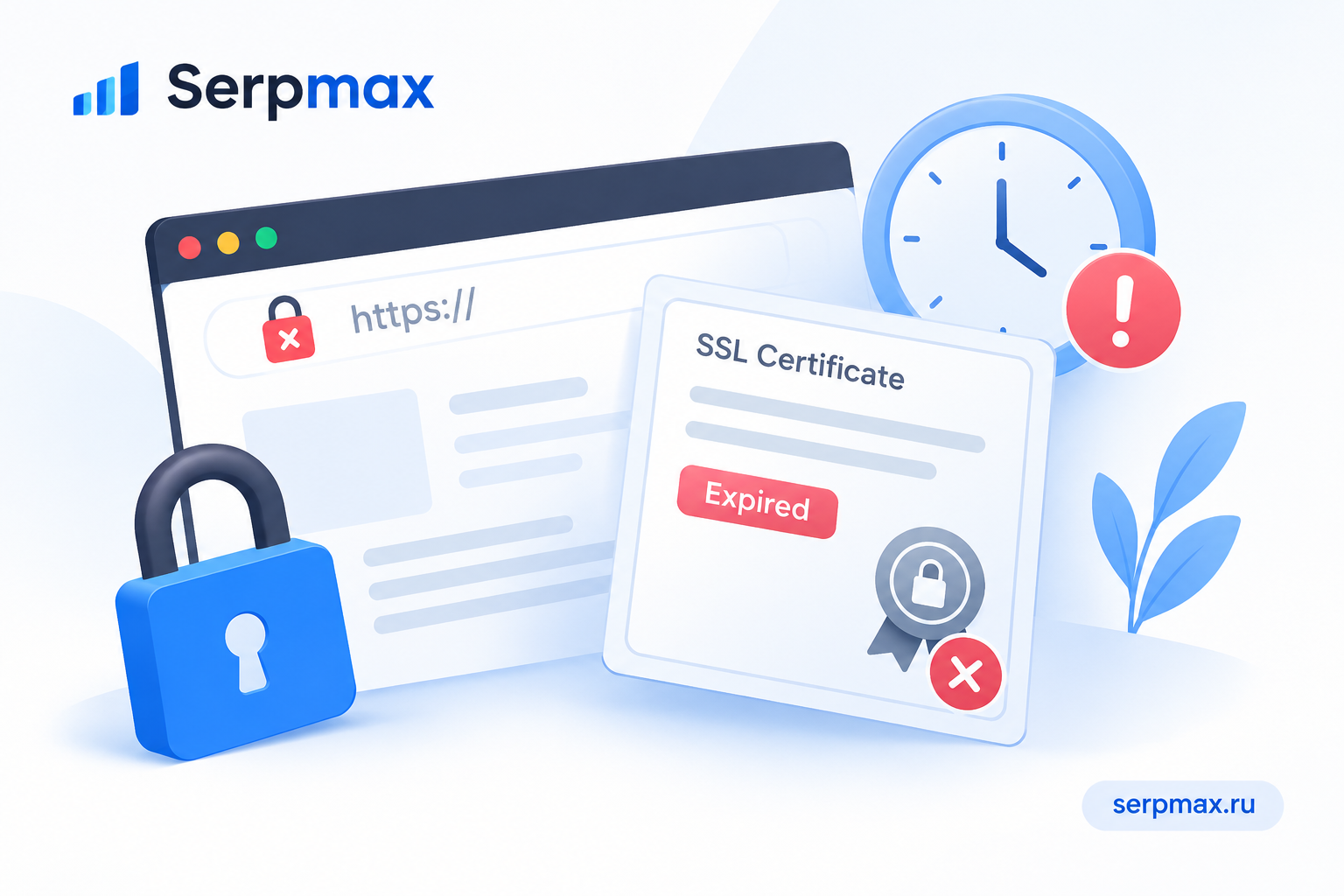
Users see a browser warning that your SSL certificate has expired. Or the site stops loading over HTTPS. This is one of the most damaging SEO and UX problems because it affects every visitor and can cause a drop in traffic. The good news is that expired certificates are preventable. This guide explains why SSL certificates expire, how to check, and how to fix and prevent it.
What an expired SSL certificate means
An SSL certificate has a validity period. When it expires, browsers no longer trust it and show a warning. Users may see a message like "Your connection is not private" or "This site is not secure".
Consequences of an expired certificate:
— users leave the site immediately;
— conversions drop;
— search engines may mark the site as insecure;
— rankings may drop;
— API integrations and third-party services may fail.
Even a few hours of expired certificate can cause measurable damage. That is why monitoring and auto-renewal matter.
Reason 1: auto-renewal failed
Most modern certificates are issued with auto-renewal, especially free certificates like Let's Encrypt. If auto-renewal fails, the certificate expires.
Common reasons auto-renewal fails:
— domain validation failed;
— DNS records changed;
— server configuration changed;
— the renewal client is not running;
— rate limits were hit;
— the web server is not serving the challenge file.
What to check:
— is auto-renewal configured;
— is the renewal client running;
— are there errors in the renewal logs;
— is domain validation working.
Reason 2: no monitoring or alerts
Many expired certificates happen because no one was monitoring the expiry date. Without alerts, the certificate can expire silently.
What to set up:
— monitoring for certificate expiry;
— alerts 30, 14 and 7 days before expiry;
— alerts if auto-renewal fails;
— regular checks of the certificate chain.
For a quick check, use SSL lookup to see the expiry date and chain status. This is faster than manually checking each domain.
Reason 3: certificate was not installed correctly
Sometimes the certificate is valid, but the server serves the old one. This happens when the new certificate is installed but the server is not reloaded, or when the wrong certificate is selected for the domain.
What to check:
— is the new certificate installed;
— was the web server reloaded;
— is the correct certificate selected for the domain;
— is the certificate chain complete;
— are there multiple certificates on the server.
If the new certificate is installed but the old one is still served, the issue is in the server configuration.
Reason 4: domain or subdomain not covered
If the certificate does not cover the domain or subdomain being accessed, the browser may show a warning even if the certificate is valid.
What to check:
— does the certificate cover the exact domain;
— does it cover www and non-www;
— does it cover subdomains;
— is the certificate a wildcard.
If the certificate does not cover the domain, install a certificate that does, or use a certificate with SAN.
Reason 5: intermediate certificate missing
If the certificate chain is incomplete, browsers may show a warning even if the certificate is valid and not expired.
What to check:
— is the intermediate certificate installed;
— is the chain complete;
— does the server serve the full chain;
— are there errors in the chain.
Use an SSL checker to verify the chain. If the intermediate is missing, install it.
How to check certificate expiry
A practical sequence:
— check the expiry date;
— check the certificate chain;
— check whether the certificate covers the domain;
— check whether auto-renewal is configured;
— check renewal logs;
— set up monitoring and alerts.
For a broader audit, SEO audit can help verify SSL, HSTS, redirects and other security factors in one place.
How to fix and prevent expiry
Fix steps:
— install a new certificate;
— reload the web server;
— verify the certificate is served correctly;
— set up auto-renewal;
— set up monitoring and alerts;
— test renewal in advance;
— document the process.
FAQ
Why did my SSL certificate expire?
Most often because auto-renewal failed or no one was monitoring the expiry date. Domain validation, DNS changes or server configuration can also cause renewal to fail.
How do I check if my certificate is expired?
Use an SSL checker to see the expiry date and chain status. Browsers also show a warning if the certificate is expired.
Can an expired certificate affect SEO?
Yes. Users leave, traffic drops, and search engines may mark the site as insecure. Rankings can drop.
What is auto-renewal?
It is a feature that automatically renews the certificate before it expires. Let's Encrypt and many providers support it.
Why did auto-renewal fail?
Common reasons include domain validation failure, DNS changes, server configuration changes, rate limits, or the renewal client not running.
How do I prevent certificate expiry?
Set up auto-renewal, monitoring and alerts. Test renewal in advance and document the process.
What is an intermediate certificate?
It is part of the certificate chain. If it is missing, browsers may show a warning even if the certificate is valid.
Can an expired certificate be renewed?
Yes. Install a new certificate and reload the server. The old certificate cannot be extended after expiry.
How often should I check my certificate?
At least monthly, and always after changes to DNS, server configuration or domain. Monitoring automates this.
What if the certificate is valid but the browser still shows a warning?
Check whether the certificate covers the domain, whether the chain is complete, and whether the server is serving the correct certificate.