You fixed all HTTP resources on your site, but the browser still shows a mixed content warning. The padlock is missing, or the page is marked as not fully secure. This is frustrating because the fix looks complete. The cause is usually cached resources, CDN behavior or dynamic content that loads HTTP after the initial page. This guide explains how to find the remaining insecure resources and fix them for good.
What mixed content means
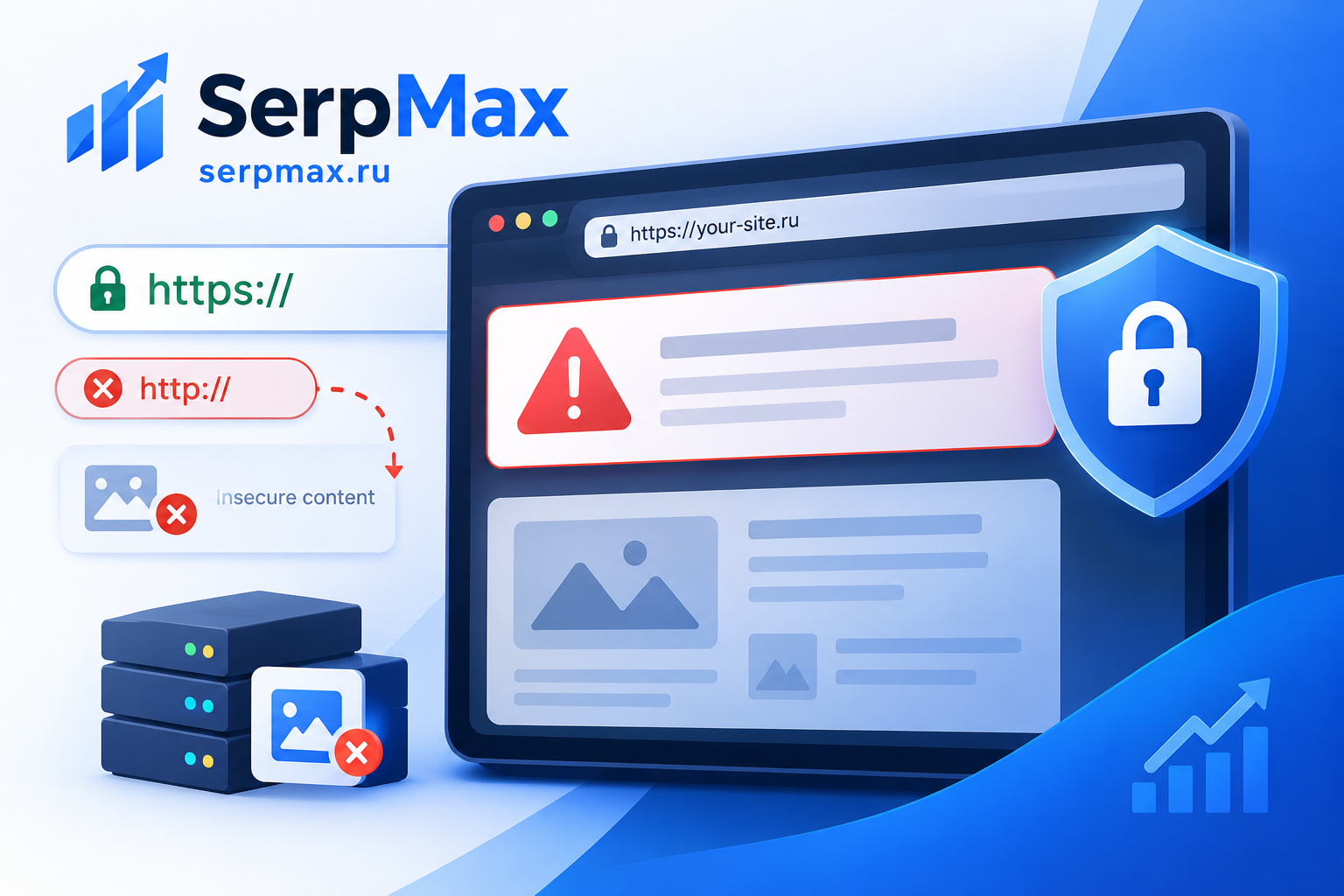
Mixed content happens when an HTTPS page loads resources over HTTP. Browsers treat this as a security risk because the insecure resource can be intercepted or modified. The browser may block the resource entirely or show a warning that the page is not fully secure.
Common types of mixed content:
— images loaded over HTTP;
— scripts loaded over HTTP;
— stylesheets loaded over HTTP;
— fonts loaded over HTTP;
— iframes loaded over HTTP;
— videos and audio loaded over HTTP;
— forms submitting to HTTP.
Some resources are blocked silently, others trigger a visible warning. The warning often remains even after you fix the obvious cases, because some resources load later or are cached.
Reason 1: cached resources
The most common reason a mixed content warning persists is caching. The browser, the CDN, or an intermediate proxy may still serve the old HTTP version of a resource even after you updated the HTML.
What to check:
— clear the browser cache and hard reload;
— check in incognito mode;
— clear the CDN cache;
— check whether the server sends long cache headers for HTML;
— verify the resource URL directly in the browser.
If the HTML is cached with a long max-age, users may see the old version for days. For HTML, short cache times or no-cache headers are recommended, so updates take effect quickly.
Reason 2: CDN or proxy rewriting
A CDN or reverse proxy can rewrite URLs or serve resources over HTTP even when the origin uses HTTPS. This is common when the CDN is configured in a flexible SSL mode, where the CDN talks to the origin over HTTP.
What to check:
— CDN SSL mode (use Full or Full Strict, not Flexible);
— whether the CDN rewrites URLs in HTML;
— whether the CDN caches HTTP and HTTPS versions separately;
— whether the X-Forwarded-Proto header is passed to the application.
If the application does not receive X-Forwarded-Proto, it may generate HTTP URLs even when the user is on HTTPS. This is a frequent cause of mixed content on sites behind a proxy.
Reason 3: dynamic content loaded after page load
Some resources are not present in the initial HTML. They are loaded dynamically by JavaScript, AJAX or third-party widgets. These resources can still use HTTP even if the main page is HTTPS.
Common sources:
— third-party widgets (chat, analytics, ads);
— embedded videos;
— social media embeds;
— dynamically loaded images;
— API calls to HTTP endpoints.
To find them:
— open the browser console and look for mixed content warnings;
— check the Network tab and filter by HTTP;
— review third-party scripts and their documentation;
— check whether the widget supports HTTPS.
For a full check, use mixed content checker to scan the page and list insecure resources. This is faster than manually scanning the console.
Reason 4: hardcoded HTTP in database or templates
Even after updating the site to HTTPS, some URLs may remain hardcoded with HTTP. These can be in:
— database content (posts, pages, product descriptions);
— theme or template files;
— widget settings;
— custom fields;
— configuration files.
What to do:
— search the database for http:// occurrences;
— search template files for http://;
— update all occurrences to https:// or protocol-relative URLs;
— check widgets and custom fields separately.
A careful search-and-replace is usually enough, but always back up the database first.
Reason 5: third-party resources without HTTPS
Some third-party services still do not support HTTPS. If you embed such a resource, the browser will show a mixed content warning.
What to do:
— check whether the service supports HTTPS;
— if not, consider replacing it with an HTTPS-capable alternative;
— if the resource is not critical, remove it;
— if the resource is critical and does not support HTTPS, consider proxying it through your own HTTPS server.
Embedding HTTP resources on an HTTPS page is not sustainable. Browsers are increasingly strict about this, and the warning will not go away until the resource is served over HTTPS.
How to find all mixed content
A practical approach:
— open the page in a browser and check the console for mixed content warnings;
— check the Network tab and filter by HTTP;
— use a mixed content checker to scan the page;
— search the database and templates for http://;
— check third-party widgets and embeds;
— test on multiple pages, not just the homepage.
For a broader check of HTTPS-related issues, SEO audit can help verify SSL, mixed content, redirects and HSTS in one place.
How to verify the fix
Checklist:
— no mixed content warnings in the console;
— padlock is shown in the browser;
— no HTTP resources in the Network tab;
— CDN serves HTTPS;
— third-party widgets load over HTTPS;
— database and templates contain no http:// URLs.
FAQ
Why does the mixed content warning still appear after fixing everything?
Most often because of caching, CDN behavior or dynamic content loaded after the page. Clear caches, check the CDN SSL mode, and scan for resources loaded by JavaScript.
How do I find mixed content?
Open the browser console and look for warnings. Check the Network tab and filter by HTTP. A mixed content checker can scan the page automatically.
Can a CDN cause mixed content?
Yes. If the CDN runs in Flexible SSL mode, it may serve resources over HTTP even when the origin uses HTTPS. Use Full or Full Strict mode instead.
What is the difference between active and passive mixed content?
Active mixed content includes scripts, stylesheets, iframes and fonts — browsers block it. Passive mixed content includes images and video — browsers may show a warning but not block it.
Does mixed content affect SEO?
Yes. It affects user trust, can trigger browser warnings, and may impact rankings indirectly through user experience and security signals.
How do I fix hardcoded HTTP URLs in the database?
Back up the database, then search for http:// occurrences and replace them with https://. Be careful with serialized data in CMS databases.
What if a third-party resource does not support HTTPS?
Consider replacing it, removing it, or proxying it through your own HTTPS server. Embedding HTTP resources on HTTPS pages is not sustainable.
Why does the warning appear only on some pages?
Because mixed content is page-specific. Some pages may load different widgets, images or scripts. Test each important page separately.
How often should I check for mixed content?
After every update, redesign or change of third-party services. It is also worth checking periodically, because widgets and embeds can change without notice.
Can mixed content be fixed automatically?
Some CMS plugins can rewrite HTTP URLs to HTTPS, but they do not catch everything. Dynamic content, third-party widgets and CDN behavior still require manual checks.