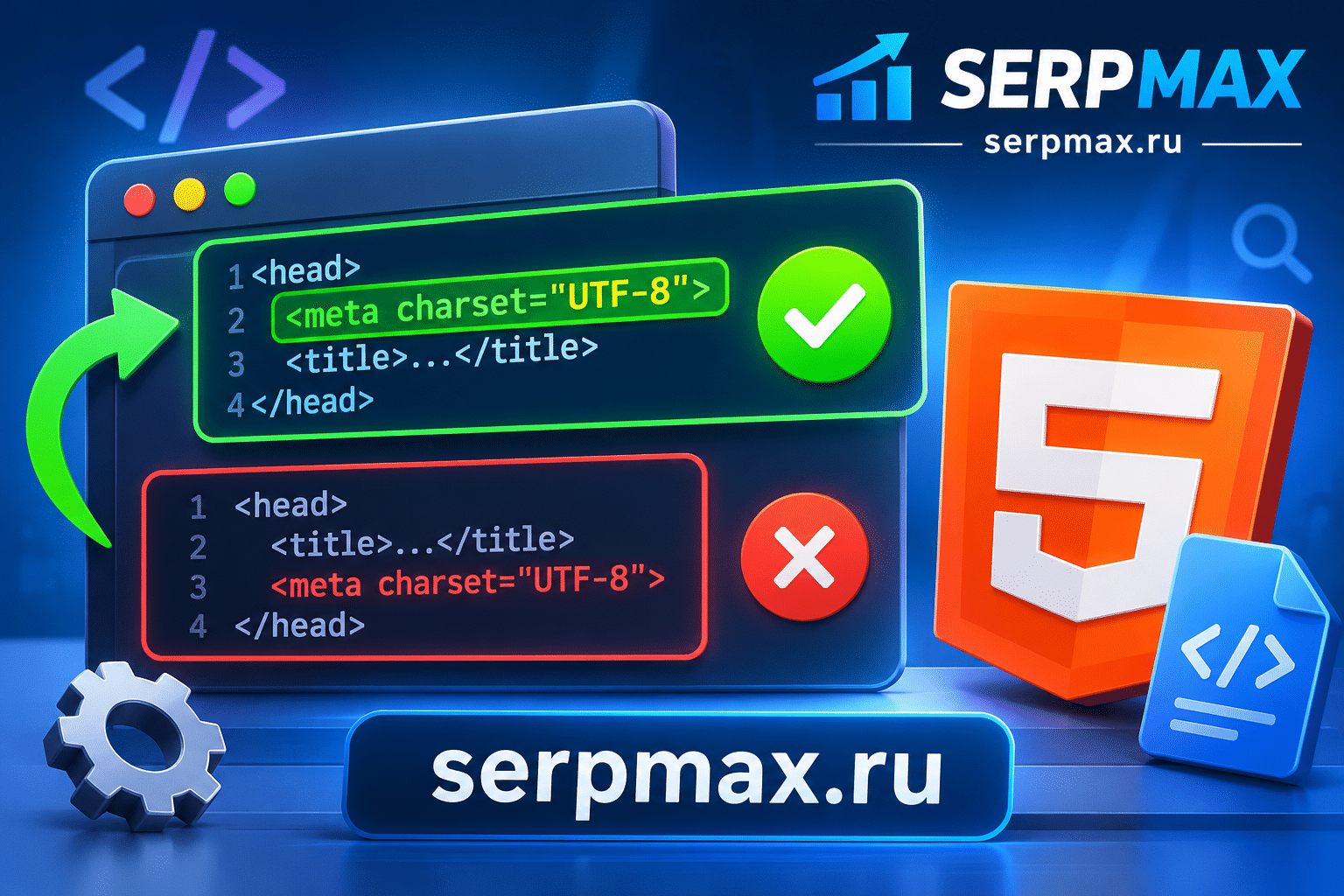
Your page shows garbled text instead of characters. Or some symbols display incorrectly. The cause may be that meta charset is not the first tag in head. This is a small detail with big consequences. This guide explains why meta charset must be first, what happens if it is not, and how to fix it.
What meta charset does
Meta charset tells the browser which character encoding is used on the page. It should be the first tag in head:
<head>
<meta charset="utf-8">
<title>Page title</title>
</head>
UTF-8 is the standard for modern websites. It supports most languages and symbols.
If meta charset is missing or not first, the browser may use a different encoding and display garbled text.
Why position matters
The browser parses HTML from top to bottom. It needs to know the encoding before it parses text. If meta charset is not at the beginning, the browser may start parsing with the wrong encoding.
What happens:
— browser starts parsing with default encoding;
— text is interpreted incorrectly;
— meta charset is found later;
— browser may re-parse, but not always;
— garbled text appears.
Some browsers re-parse the page when they find meta charset later. Others do not. The result is inconsistent rendering.
Reason 1: meta charset is after title or other tags
The most common issue. Meta charset is placed after title, scripts or styles.
What to check:
— is meta charset the first tag in head;
— are there tags before it;
— are there comments or whitespace before it.
The fix: move meta charset to the first position in head.
Use meta charset checker to see the current encoding and position.
Reason 2: CMS or template adds tags before charset
Some CMS platforms, plugins or templates add tags before meta charset. This can happen with analytics, preload or other scripts.
What to check:
— does the CMS add tags before charset;
— does a plugin add scripts before charset;
— is the template correct.
The fix: adjust the template or plugin settings to place meta charset first.
Reason 3: BOM before meta charset
A BOM (Byte Order Mark) at the beginning of the file can prevent meta charset from being recognized as the first tag.
What to check:
— is there a BOM at the start of the file;
— does the editor add BOM;
— does the server add BOM.
The fix: save the file without BOM.
Reason 4: HTTP header overrides
If the HTTP Content-Type header specifies a different encoding, the browser may use that instead of meta charset.
What to check:
— what encoding is in Content-Type;
— does it match meta charset;
— is the header sent for all pages.
The fix: align the encoding in HTTP header and meta charset.
Reason 5: file encoding does not match
Even if meta charset is correct, the file may be saved in a different encoding.
What to check:
— what encoding is the file saved in;
— does it match meta charset;
— are there characters that do not fit.
The fix: save the file in UTF-8 and ensure meta charset matches.
How to diagnose charset issues
A practical sequence:
— check the position of meta charset;
— check for BOM;
— check HTTP Content-Type;
— check file encoding;
— test in different browsers;
— check for garbled text.
If garbled text appears only in some browsers, the issue may be in how the browser handles late charset. For a broader audit, SEO audit can help verify charset, headers and other technical factors in one place.
How to fix charset issues
Fix steps:
— move meta charset to the first position in head;
— remove BOM;
— align HTTP Content-Type;
— save files in UTF-8;
— test in different browsers;
— monitor for garbled text.
FAQ
Why must meta charset be first in head?
The browser needs to know the encoding before parsing text. If charset is late, the browser may use the wrong encoding and display garbled text.
What happens if meta charset is not first?
The browser may start parsing with the default encoding. Some browsers re-parse when they find charset later; others do not.
Does charset position affect SEO?
Indirectly. If text is garbled, search engines may not understand the content, which affects indexing and rankings.
Can BOM affect charset?
Yes. A BOM at the start of the file can prevent charset from being recognized as the first tag. Save files without BOM.
Does HTTP Content-Type override meta charset?
Yes. If the HTTP header specifies a different encoding, the browser may use it instead of meta charset.
What encoding should I use?
UTF-8. It supports most languages and symbols and is the standard for modern websites.
Why does garbled text appear only in some browsers?
Different browsers handle late charset differently. Some re-parse, others do not. Placing charset first fixes the issue.
How do I check the charset position?
Open the page source and check the first lines of head. Use a charset checker to verify.
Can a CMS break charset position?
Yes. Some CMS platforms and plugins add tags before charset. Adjust the template or plugin settings.
What if charset is correct but text is still garbled?
Check HTTP Content-Type, file encoding and BOM. One of them may not match meta charset.




