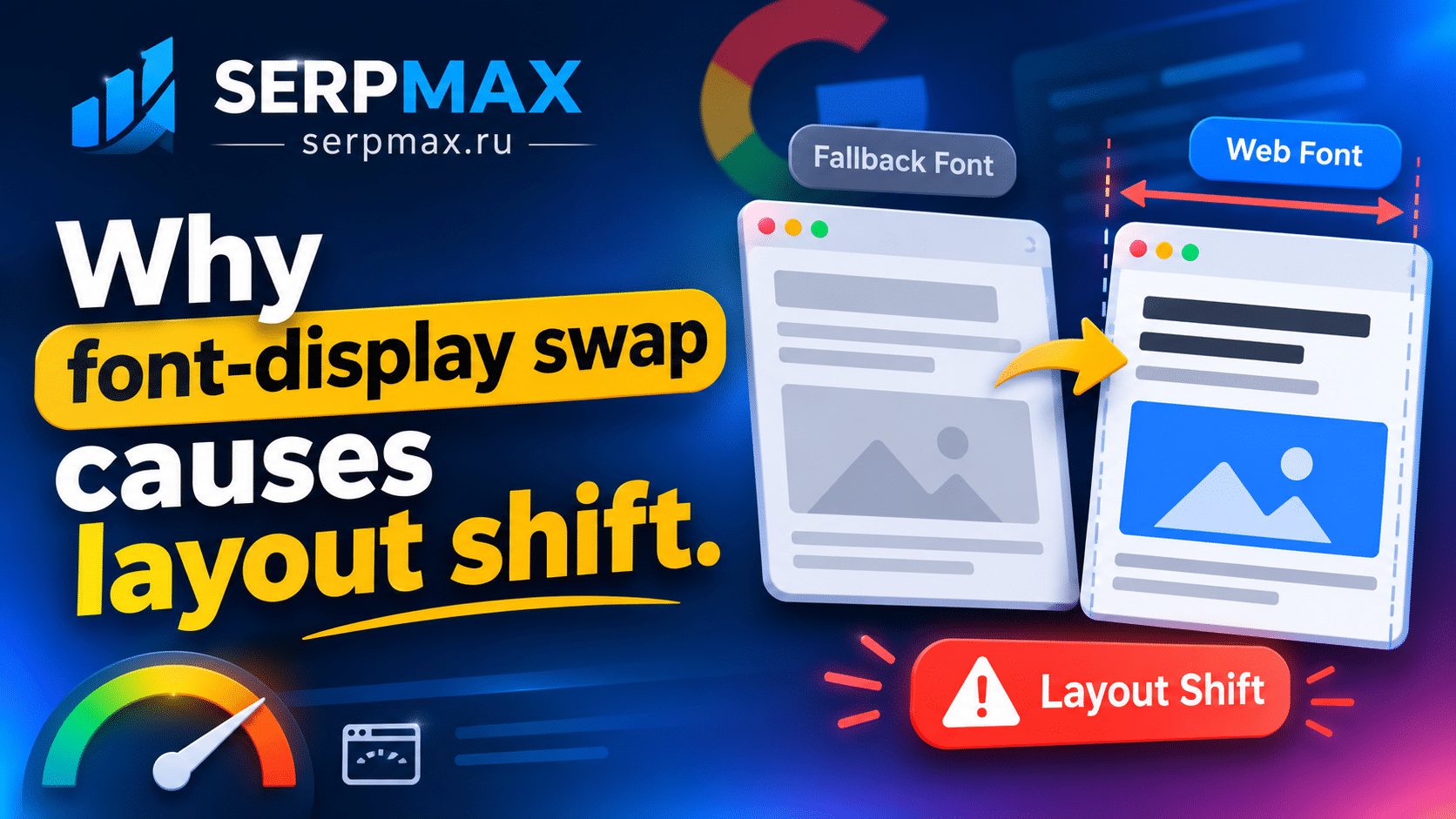
You added font-display: swap to avoid invisible text. Text appears immediately, but the page shifts when the custom font loads. CLS increases, and users may tap the wrong element. This is a common trade-off: swap improves perceived speed but can cause layout shift. This guide explains why font-display swap causes layout shift and how to fix it.
What font-display: swap does
font-display controls how text is displayed while a custom font loads. With swap, the browser shows fallback text immediately, then swaps to the custom font when it loads.
Values:
— auto: browser default;
— block: text hidden until font loads;
— swap: fallback shown immediately, custom font swaps in;
— fallback: short hide, then fallback, then swap;
— optional: font loads in background, not swapped if late.
Swap is recommended for most sites because it avoids invisible text. But it can cause layout shift if the fallback and custom fonts have different metrics.
Why swap causes layout shift
When the custom font loads, text may change size, spacing and line height. If the fallback font has different metrics, the layout shifts.
What happens:
— fallback text is displayed;
— custom font loads;
— text dimensions change;
— layout shifts;
— CLS increases.
The shift is most noticeable when the fallback and custom fonts have very different widths or heights.
Reason 1: fallback font metrics differ
The most common cause. The fallback font has different character widths, ascent, descent, or line gap than the custom font.
What to check:
— which fallback font is used;
— how different its metrics are;
— how much text shifts.
The fix: choose a fallback font with similar metrics. Use size-adjust, ascent-override, descent-override, line-gap-override to align metrics.
Use website page size checker to see how fonts affect page size and loading.
Reason 2: multiple font weights
If multiple weights are loaded, each can cause a shift when it loads. The more weights, the more potential shifts.
What to check:
— how many weights are loaded;
— whether all are needed;
— whether they load at different times.
The fix: reduce the number of weights. Use variable fonts to load one file for multiple weights.
Reason 3: font loads late
If the font loads late, the shift happens later. This can be more noticeable because users have already started reading.
What to check:
— when the font loads;
— whether it is preloaded;
— whether it is cached.
The fix: preload critical fonts. Use caching to speed up subsequent loads.
Reason 4: text is above the fold
Shift in above-the-fold text is more noticeable and contributes more to CLS.
What to check:
— which text is above the fold;
— whether it uses the custom font;
— how much it shifts.
The fix: use system fonts for above-the-fold text, or align fallback metrics carefully.
Reason 5: no size-adjust or overrides
If size-adjust and overrides are not used, the fallback font may have very different metrics.
What to check:
— whether size-adjust is used;
— whether ascent-override, descent-override, line-gap-override are used;
— whether the fallback is aligned.
The fix: use size-adjust and overrides to align the fallback font with the custom font.
How to diagnose font swap shift
A practical sequence:
— open PageSpeed Insights or Lighthouse;
— check CLS;
— identify which elements shift;
— check font loading;
— check fallback metrics;
— test with different fallbacks.
Chrome DevTools Layout Shift panel highlights shifting elements. This is the fastest way to find the cause. For a broader audit, SEO audit can help verify CLS, LCP and other metrics in one place.
How to fix font swap shift
Fix steps:
— choose a fallback font with similar metrics;
— use size-adjust;
— use ascent-override, descent-override, line-gap-override;
— reduce font weights;
— preload critical fonts;
— test after each change.
FAQ
Why does font-display swap cause layout shift?
Because the fallback font and custom font have different metrics. When the custom font loads, text dimensions change and layout shifts.
Should I stop using font-display swap?
No. Swap is still better than invisible text. Fix the shift by aligning fallback metrics.
What is size-adjust?
It is a CSS property that adjusts the size of the fallback font to match the custom font.
What are ascent-override and descent-override?
They adjust the ascent and descent of the fallback font to match the custom font.
Does font swap affect CLS?
Yes. If the fallback and custom fonts have different metrics, CLS increases. Align metrics to reduce shift.
Can I use system fonts to avoid shift?
Yes. System fonts load instantly and do not shift. But they may not match your brand.
How do I test font swap shift?
Use Chrome DevTools Layout Shift panel or PageSpeed Insights. They show which elements shift and how much.
Does font-display optional cause shift?
Less shift, because the font is not swapped if it loads late. But the custom font may not be used on first visit.
What if I cannot align metrics?
Consider using font-display: optional or system fonts. Or accept a small shift and focus on other CLS sources.
How long does it take to fix CLS?
Changes take effect immediately in the browser. Search Console data may take weeks to update.




