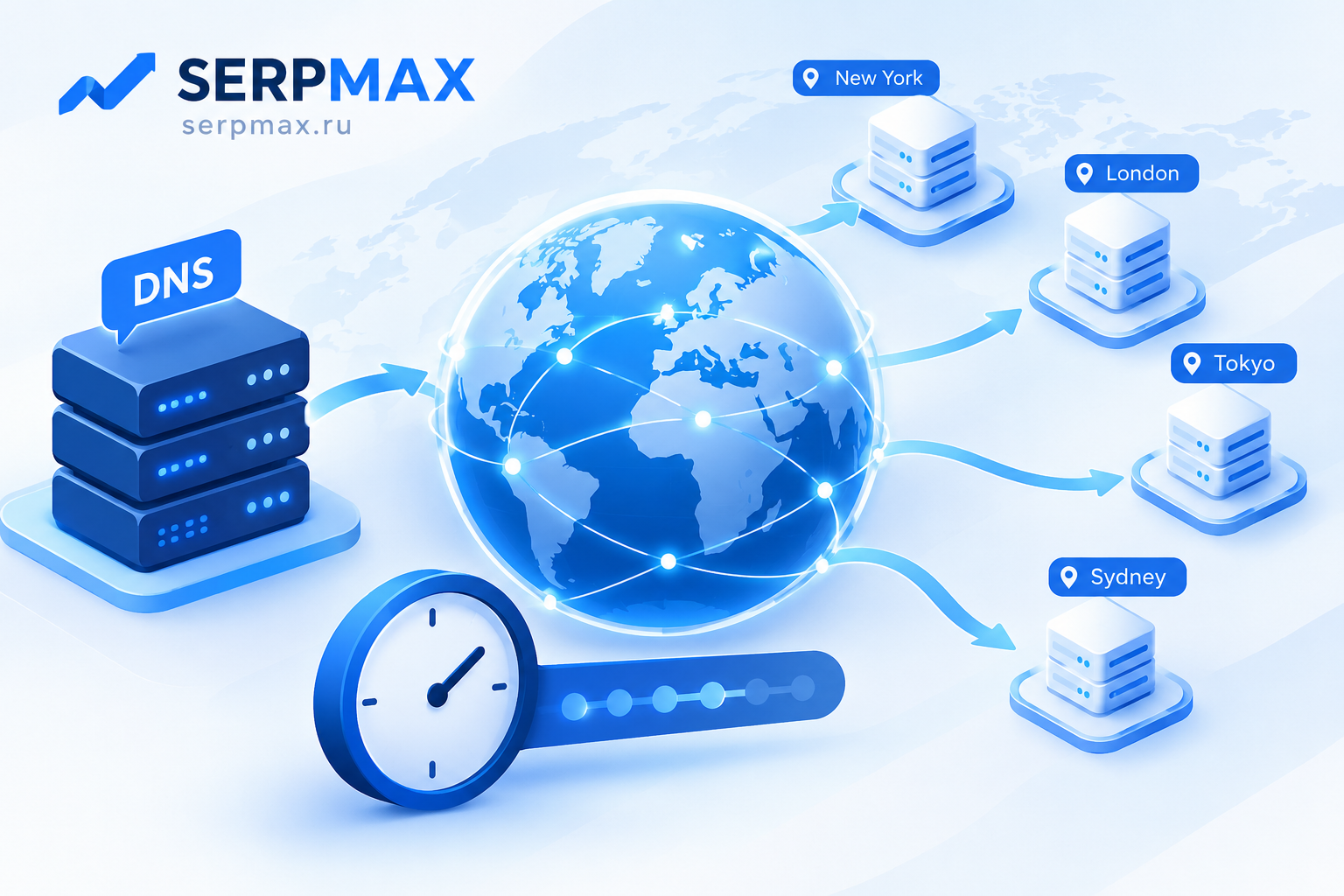
You changed DNS records hours ago, but some users still see the old site. Or propagation has been stuck for days. DNS propagation is rarely instant, but it should not take a week either. The delay usually comes from TTL, NS records, registrar settings or resolver caching. This guide explains why DNS propagation takes too long and how to diagnose and speed it up.
What DNS propagation actually means
DNS propagation is the process of distributing updated DNS records across the internet. When you change a record at your DNS provider, the change is immediate on their servers. But resolvers around the world cache records, and they only refresh when the TTL expires.
Propagation is not a single event. It is a gradual process where different resolvers update at different times. Some update within minutes, others take hours or days. The speed depends on TTL, resolver behavior and registrar settings.
The key point: propagation time is not controlled by your DNS provider alone. It depends on how every resolver in the chain handles caching.
Reason 1: high TTL values
TTL (Time To Live) is the most common cause of slow propagation. It tells resolvers how long to cache a record. If TTL is set to 86400 seconds (24 hours), resolvers may keep the old record for a full day after the change.
Common TTL values:
— 300 seconds (5 minutes) — fast propagation, suitable before planned changes;
— 3600 seconds (1 hour) — balanced;
— 86400 seconds (24 hours) — default for many providers, slow propagation;
— 604800 seconds (7 days) — very slow, should be avoided.
If you changed a record with a high TTL, the old value will remain cached until the TTL expires. Lowering TTL after the change does not help — the old TTL is already in resolver caches.
The fix: lower TTL before making changes. A day before a planned migration, set TTL to 300 seconds. After the change, once propagation is complete, you can raise it again.
Reason 2: NS record changes
If you changed NS records (nameservers), propagation can take much longer than a simple A record change. NS changes propagate through the registry and can take 24 to 48 hours, sometimes more.
What to check:
— are NS records updated at the registrar;
— do all nameservers return the same records;
— is there a mismatch between old and new nameservers;
— did the registrar apply the change correctly.
If old and new nameservers return different records, resolvers may see inconsistent data. This is one of the most common causes of slow or incomplete propagation.
Reason 3: registrar processing delays
Registrars do not always apply changes instantly. Some process NS changes manually or with delays. If you changed NS records, check whether the registrar has actually applied them.
What to check:
— does the registrar show the new NS records;
— does a WHOIS lookup show the new NS;
— has enough time passed for the registrar to process the change;
— is there a pending status on the domain.
If the registrar has not applied the change, propagation cannot start. Contact the registrar if the change is stuck.
Reason 4: resolver behavior and negative caching
Resolvers do not all behave the same way. Some ignore TTL and refresh on their own schedule. Others cache negative responses (NXDOMAIN) for a fixed time, which can delay the appearance of new records.
What to check:
— test with multiple public resolvers (Google DNS, Cloudflare, OpenDNS);
— check whether different resolvers return different results;
— check for negative caching if the record did not exist before;
— check local resolver behavior.
Use DNS lookup to check records from different resolvers. If some resolvers return the new record and others the old one, propagation is in progress.
Reason 5: local and ISP caching
Local caches on the user side can also delay the appearance of new records. Browser, operating system, router and ISP resolvers all cache DNS.
What to check:
— flush the local DNS cache;
— test from a different device or network;
— check whether the ISP resolver has updated;
— check whether the router caches DNS.
If only your device sees the old record, the issue is local, not global. Testing from a different network helps confirm this.
How to diagnose slow propagation
A practical sequence:
— check the current TTL of the record;
— check whether the record was actually changed;
— check NS records if they were changed;
— check registrar status;
— test with multiple public resolvers;
— test from different networks;
— flush local caches.
If some resolvers return the new record and others the old one, propagation is simply in progress. If no resolver returns the new record after a reasonable time, the change may not have been applied.
For a broader check after a DNS change, SEO audit can help verify DNS, SSL, redirects and availability in one place.
How to speed up propagation
Steps to take:
— lower TTL before making changes;
— apply changes during low-traffic periods;
— keep old servers running until propagation completes;
— clear CDN and local caches;
— verify with multiple resolvers;
— contact the registrar if NS changes are stuck.
There is no way to force all resolvers to update instantly. The best strategy is to plan ahead and lower TTL before changes.
FAQ
How long does DNS propagation take?
It depends on TTL. With a 300-second TTL, propagation can complete in minutes. With a 86400-second TTL, it can take up to 24 hours or more.
Why is propagation slower than expected?
Most often because of high TTL, NS record changes, registrar delays or resolver caching. Check TTL first, then NS records and registrar status.
Can I force DNS propagation?
No. You can lower TTL before changes, but you cannot force resolvers to update faster. Some resolvers ignore TTL and update on their own schedule.
Why do some users see the new site and others do not?
Because different resolvers update at different times. This is normal during propagation. Testing with multiple resolvers helps confirm the progress.
Does lowering TTL after the change help?
No. The old TTL is already cached. Lowering TTL after the change only affects future queries, not cached ones.
How do I check DNS propagation?
Use a DNS lookup tool to check records from different resolvers. If some return the new record and others the old one, propagation is in progress.
Why is NS propagation slower than A record propagation?
NS changes go through the registry and can take 24 to 48 hours. A record changes only affect the DNS provider, so they propagate faster.
Can a CDN affect DNS propagation?
Yes. If the site is behind a CDN, the CDN may cache DNS or serve content from the old origin. Clear the CDN cache and verify the origin settings.
What if propagation never completes?
Check whether the change was actually applied at the DNS provider and registrar. If not, contact them. If yes, check for conflicting records or resolver issues.
Should I keep the old server running during propagation?
Yes. Keep it running until propagation is complete and verified from multiple locations. This prevents users and bots from hitting a dead end.