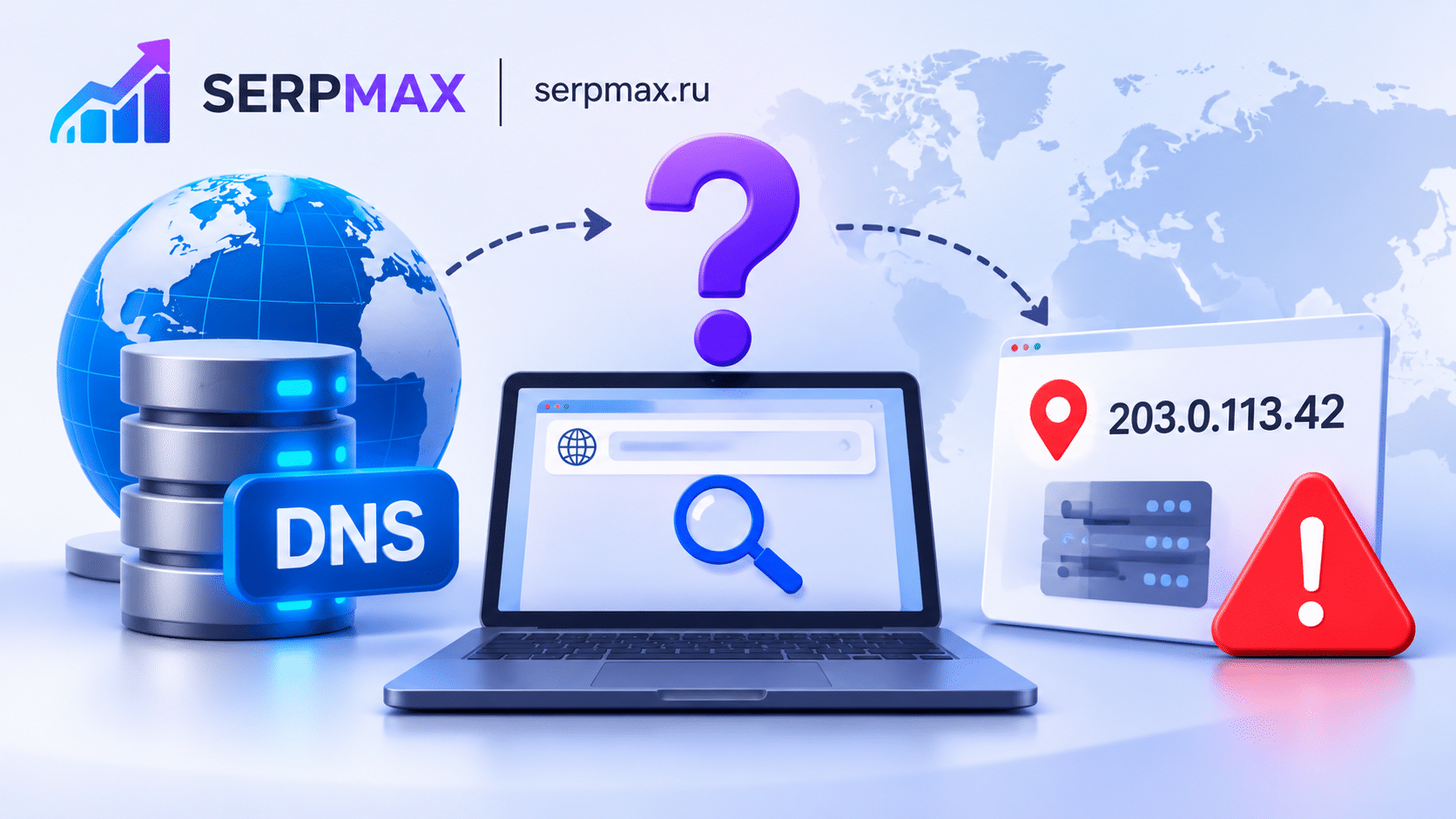
You run a DNS lookup and get an IP that is not the one you expect. Or different resolvers return different IPs. This is common and can cause confusion, downtime or SEO issues. This guide explains why DNS lookup returns the wrong IP and how to fix it.
What DNS lookup does
DNS lookup resolves a domain name to an IP address. It queries DNS servers for records like A, AAAA, CNAME, MX, TXT and NS.
If the lookup returns the wrong IP, the domain may point to the wrong server. This can cause:
— site not loading;
— wrong content;
— SSL errors;
— SEO issues.
Reason 1: DNS propagation in progress
The most common cause. After changing DNS records, propagation takes time. Different resolvers may return old and new IPs.
What to check:
— when was the record changed;
— what is the TTL;
— do different resolvers return different IPs.
The fix: wait for propagation. Use a DNS lookup tool to check from multiple resolvers.
Use DNS lookup to check records from different resolvers.
Reason 2: cached DNS
DNS records are cached by resolvers, operating systems and browsers. Cached records can return old IPs.
What to check:
— local DNS cache;
— ISP resolver cache;
— browser cache.
The fix: flush local DNS cache. Test from a different network. Wait for TTL to expire.
Reason 3: wrong A record
The A record may be configured incorrectly, pointing to the wrong IP.
What to check:
— A record value;
— multiple A records;
— typos.
The fix: correct the A record in the DNS provider panel.
Reason 4: multiple A records
If multiple A records exist, resolvers may return different IPs. This is normal for load balancing, but can cause confusion.
What to check:
— how many A records exist;
— are they intentional;
— are they all valid.
The fix: remove unintended A records. Keep only the ones needed.
Reason 5: nameserver issues
If nameservers are misconfigured or not updated, DNS lookup may return wrong results.
What to check:
— NS records;
— nameserver configuration;
— registrar settings.
The fix: update nameservers at the registrar. Verify they match the DNS provider.
How to diagnose DNS lookup issues
A practical sequence:
— check A record;
— check multiple resolvers;
— check TTL;
— check local cache;
— check nameservers;
— check registrar settings.
If different resolvers return different IPs, propagation is in progress. If all return the same wrong IP, the record is wrong. For a broader audit, SEO audit can help verify DNS, SSL and availability in one place.
How to fix DNS lookup issues
Fix steps:
— correct A record;
— remove unintended records;
— update nameservers;
— flush local cache;
— wait for propagation;
— test after changes.
FAQ
Why does DNS lookup return the wrong IP?
Most often because of propagation, caching, wrong A record, multiple records or nameserver issues.
How long does DNS propagation take?
Depends on TTL. With a 300-second TTL, minutes. With 86400, up to 24 hours.
Why do different resolvers return different IPs?
Because propagation is in progress. Some resolvers have updated, others have not.
Can cached DNS return the wrong IP?
Yes. Local and ISP caches can return old IPs until TTL expires. Flush cache and wait.
Does DNS lookup affect SEO?
Indirectly. If the domain points to the wrong IP, the site may be unavailable, affecting indexing and rankings.
How do I check DNS from multiple resolvers?
Use a DNS lookup tool that queries multiple resolvers. Compare results.
What if the A record is correct but lookup is wrong?
Check caching and nameservers. The record may not have propagated yet.
Can multiple A records cause issues?
Yes. Resolvers may return different IPs. Remove unintended records.
How do I fix nameserver issues?
Update nameservers at the registrar. Verify they match the DNS provider.
How often should I check DNS?
After changes and periodically as part of an audit.




