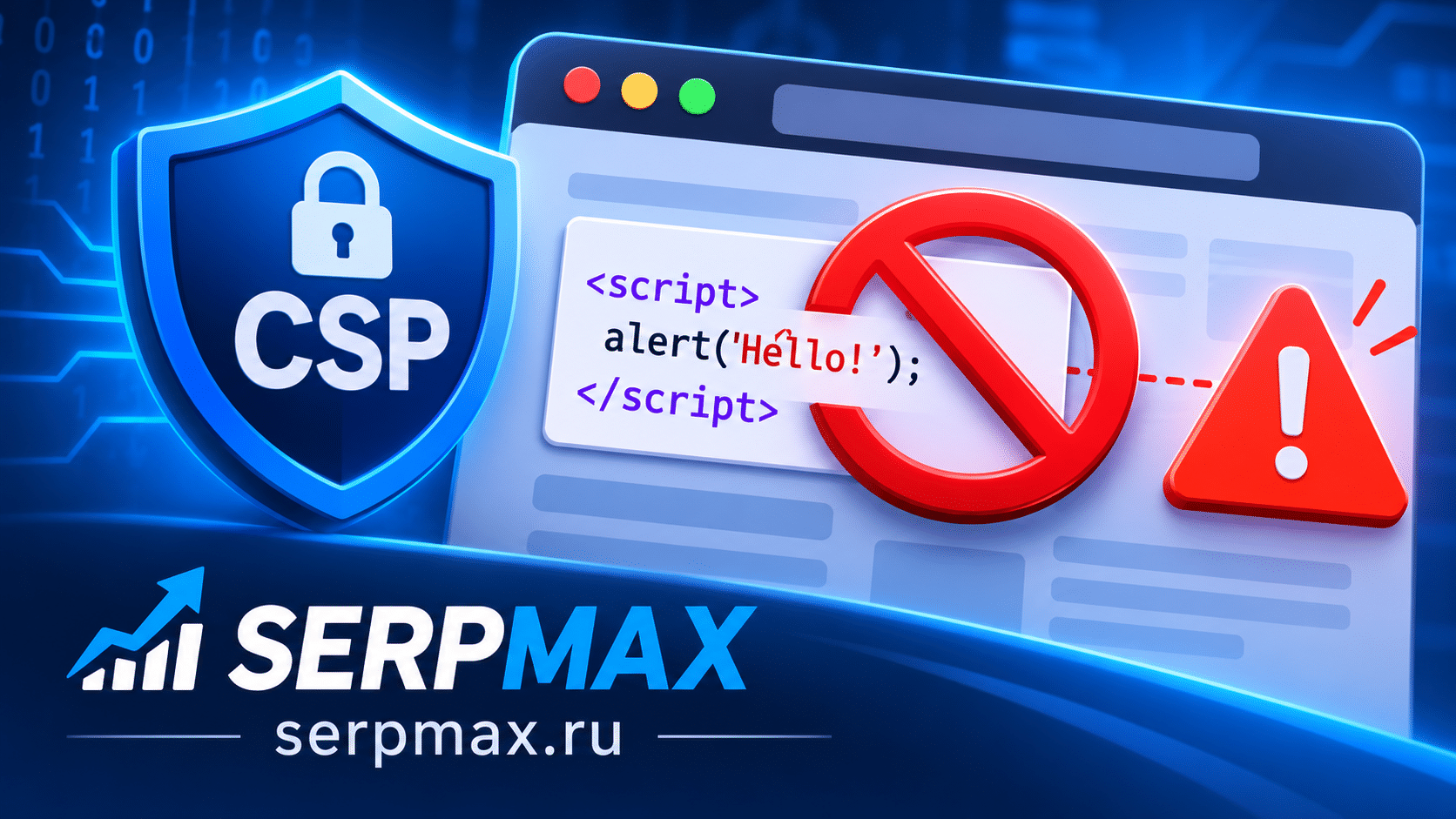
You added Content-Security-Policy (CSP) to improve security, and now some scripts stop working. The console shows CSP errors. This is common: CSP blocks inline scripts by default. This guide explains why CSP blocks inline scripts and how to fix it without weakening security.
What CSP does with inline scripts
CSP restricts which resources can be loaded and executed on a page. By default, CSP blocks inline scripts — scripts written directly in HTML, not loaded from an external file.
Example of inline script:
<script> console.log("Hello"); </script>
CSP blocks this unless you explicitly allow it. This is a security feature: inline scripts are a common vector for XSS attacks.
But many sites rely on inline scripts for analytics, widgets, and functionality. Blocking them breaks the site.
Why CSP blocks inline scripts
Inline scripts are a major security risk. If an attacker can inject a script into the page, they can steal data, redirect users, or perform actions on behalf of the user.
CSP blocks inline scripts to prevent XSS. But this means legitimate inline scripts are also blocked unless you allow them.
How to allow inline scripts:
— use nonce;
— use hash;
— move scripts to external files;
— use unsafe-inline (not recommended).
Reason 1: CSP blocks inline scripts by default
The most common issue. CSP with script-src does not allow inline scripts unless explicitly permitted.
What to check:
— is CSP set;
— does script-src allow inline scripts;
— are there CSP errors in the console.
The fix: use nonce or hash, or move scripts to external files.
Use CSP checker to see the current policy.
Reason 2: nonce is missing or wrong
Nonce is a unique token added to inline scripts. If the nonce is missing or does not match the CSP header, the script is blocked.
What to check:
— is nonce present on the script tag;
— does it match the CSP header;
— is it unique per request.
The fix: generate a unique nonce per request and include it in both the CSP header and the script tag.
Reason 3: hash does not match
Hash is a cryptographic hash of the script content. If the hash in CSP does not match the script, it is blocked.
What to check:
— is the hash correct;
— does it match the exact script content;
— is it updated when the script changes.
The fix: compute the hash of the exact script content and include it in CSP. Update it when the script changes.
Reason 4: external scripts blocked
If a script is loaded from an external domain that is not allowed in script-src, it is blocked.
What to check:
— which domains are allowed;
— which domains the scripts use;
— are all necessary domains allowed.
The fix: add necessary domains to script-src.
Reason 5: unsafe-inline not used
If you cannot use nonce or hash, you can use unsafe-inline. But this weakens CSP significantly.
What to check:
— is unsafe-inline used;
— are there alternatives;
— is it necessary.
The fix: use nonce or hash instead of unsafe-inline. Use unsafe-inline only as a last resort.
How to diagnose CSP inline script issues
A practical sequence:
— check CSP header;
— check console for errors;
— identify blocked scripts;
— check nonce or hash;
— check allowed domains;
— test after changes.
If scripts are blocked, the console shows CSP errors with the violated directive. For a broader audit, SEO audit can help verify CSP, HSTS and other security headers in one place.
How to fix CSP inline script issues
Fix steps:
— use nonce for inline scripts;
— use hash for static inline scripts;
— move scripts to external files;
— add necessary domains to script-src;
— avoid unsafe-inline;
— test after changes.
FAQ
Why does CSP block inline scripts?
Inline scripts are a major XSS risk. CSP blocks them by default unless explicitly allowed.
How do I allow inline scripts?
Use nonce or hash. Or move scripts to external files. Avoid unsafe-inline.
What is nonce?
A unique token added to inline scripts and CSP header. It allows the script if the nonce matches.
What is hash?
A cryptographic hash of the script content. If the hash in CSP matches the script, it is allowed.
Is unsafe-inline safe?
No. It significantly weakens CSP. Use nonce or hash instead.
Does CSP affect SEO?
Indirectly. If CSP blocks important scripts, the page may not work correctly, affecting user experience and rankings.
How do I check CSP errors?
Open the browser console. CSP violations show as errors with the violated directive.
Can I use nonce with static HTML?
Nonce requires server-side generation. For static HTML, use hash or external scripts.
What if I cannot use nonce or hash?
Move scripts to external files. Use unsafe-inline only as a last resort.
How do I test CSP changes?
Use Report-Only mode first. It monitors violations without blocking. Then switch to enforcing.




