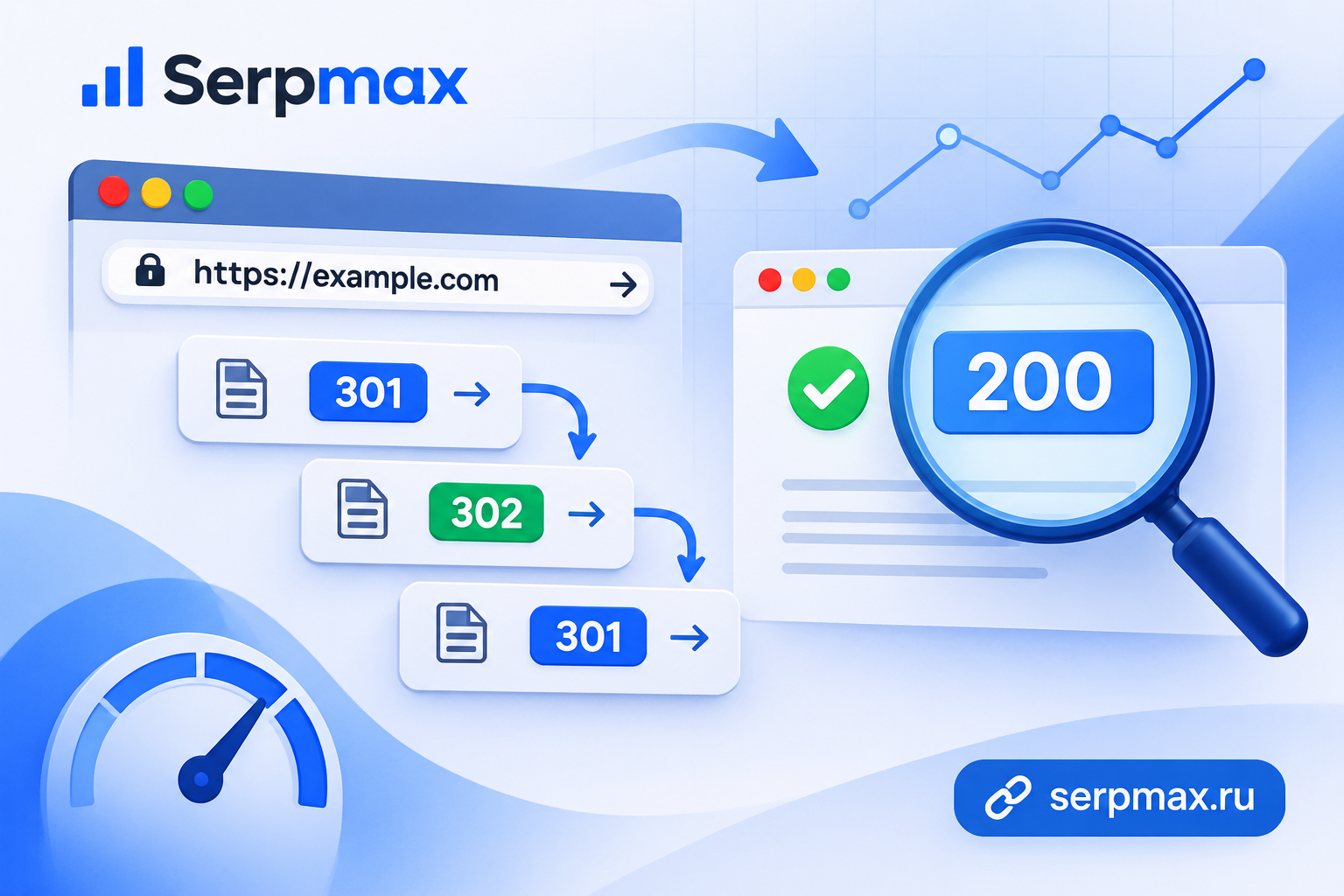
When a URL redirects, the server returns an HTTP status code that tells the browser and search engine what kind of redirect it is. 301 means permanent. 302 means temporary. 307 and 308 are newer versions with specific behaviors. If the wrong code is used, search engines may not pass ranking signals correctly.
You can check HTTP status codes for redirects using the SerpMax HTTP Headers Checker. It shows the status code, the redirect target, and the full chain of hops.
For a full technical check of your site, use the SerpMax SEO Audit — it analyzes redirects, headers, meta tags, and other technical issues.
Why redirect status codes matter for SEO
Search engines treat each status code differently:
— 301 Moved Permanently — passes ranking signals to the new URL. Use this for permanent moves.
— 302 Found — temporary redirect. Search engines keep the original URL indexed and do not pass signals.
— 307 Temporary Redirect — same as 302 but preserves the HTTP method (GET/POST).
— 308 Permanent Redirect — same as 301 but preserves the HTTP method.
If you moved a page permanently but used a 302, Google and Yandex may keep the old URL in the index. The new URL does not get the ranking signals. Traffic drops.
How to check redirect status codes: step-by-step
Method 1: SerpMax HTTP Headers Checker
Open the HTTP Headers Checker, enter a URL, and run the check. The tool shows:
— the HTTP status code of the response;
— the Location header (where the redirect points);
— the full chain of redirects if there are multiple hops;
— the final URL and its status code.
If you see a 302 where you expected a 301, you know there is a problem.
Method 2: Browser DevTools
Open DevTools (F12), go to the Network tab, enable Preserve log, and reload the page. The first request shows the redirect status code (301, 302, 307, or 308). Click it and check the Response Headers section for the Location header. Repeat until you reach a 200 response.
Method 3: curl command line
Run this in your terminal:
curl -I -L -s -o /dev/null -w "%{http_code} %{num_redirects} %{url_effective}
" https://example.com/page
This shows the final status code, the number of redirects, and the final URL. Fast way to check a single URL without a browser.
Method 4: Online redirect checker
Use the SerpMax Redirect Checker to see the full chain of hops. It shows each URL in the chain, the status code at each step, and the final destination. If the chain has more than two hops, you have a problem to fix.
Common redirect status code mistakes
Mistake 1: Using 302 for permanent moves
This is the most common issue. When you migrate a site or change a URL structure, you need 301. A 302 tells search engines the move is temporary. They keep the old URL indexed and do not pass signals to the new one.
Check your redirects with the HTTP Headers Checker. If you see 302 where you need 301, update the server configuration.
Mistake 2: Redirect chains longer than two hops
URL A redirects to B, B redirects to C, C redirects to D. Each hop wastes crawl budget. Search engines may stop following after a few hops. The final page never gets indexed.
Use the Redirect Checker to see the full chain. Fix the intermediate redirects so that each old URL points directly to the final destination.
Mistake 3: Redirect to a 404 page
The chain ends on a page that returns 404. Users see an error. Search engines drop the page from the index. This is worse than having no redirect at all.
Mistake 4: Mixed 301 and 302 in one chain
A chain that starts with 301 but ends with 302 sends mixed signals. Search engines may not know whether to treat the move as permanent or temporary. Use 301 for all hops in a permanent migration.
How to fix redirect status codes
The fix depends on your server:
Apache (.htaccess)
Redirect 301 /old-page https://example.com/new-page
nginx
rewrite ^/old-page$ https://example.com/new-page permanent;
The permanent keyword sets 301. Use redirect for 302.
PHP
header("Location: https://example.com/new-page", true, 301);
The third parameter sets the status code. Use 301 for permanent, 302 for temporary.
WordPress
Use a redirect plugin like Redirection or Yoast SEO. Set the redirect type to 301 for permanent moves. Check the status code with the SerpMax HTTP Headers Checker after setting it up.
How to check redirects after a site migration
After moving a site to a new domain or changing URL structure, check the redirect status codes for every important page. Not just the homepage.
Collect a list of URLs that had traffic before the migration. Check each one with the Redirect Checker. Make sure:
— each old URL redirects to a relevant new page;
— the status code is 301, not 302;
— the chain has only one hop;
— the final page returns 200, not 404.
FAQ
What is the difference between 301 and 302?
301 is a permanent redirect. Search engines pass ranking signals to the new URL. 302 is temporary. Search engines keep the old URL indexed and do not pass signals.
Which status code should I use for HTTPS migration?
301. Moving from HTTP to HTTPS is a permanent change. Use 301 for all URLs.
How many redirects in a chain are acceptable?
One. Maximum two. Anything more wastes crawl budget and risks search engines not reaching the final page.
Can I check redirect status codes for free?
Yes. Use the SerpMax Redirect Checker or the HTTP Headers Checker. Both are free.
What does a 308 status code mean?
308 is a permanent redirect that preserves the HTTP method (GET/POST). For SEO, it works the same as 301. Use it when you need to preserve the request method.
How do I fix a redirect chain?
Find all intermediate URLs in the chain using the Redirect Checker. Set each one to redirect directly to the final destination. Remove the intermediate hops.
Does a 302 redirect hurt SEO?
It depends. For a temporary move, 302 is correct. For a permanent move, 302 prevents ranking signals from passing to the new URL. If the move is permanent, use 301.
How often should I check redirect status codes?
After any site migration, URL structure change, or CMS update. Also check periodically for high-traffic pages to catch accidental changes.